Discover how to generate viral content
Track competitors
The Gist: The Competitors feature lets you track what's working in your niche so you can spot patterns, benchmark performance, and generate stronger ideas.
What does the Competitors feature do?
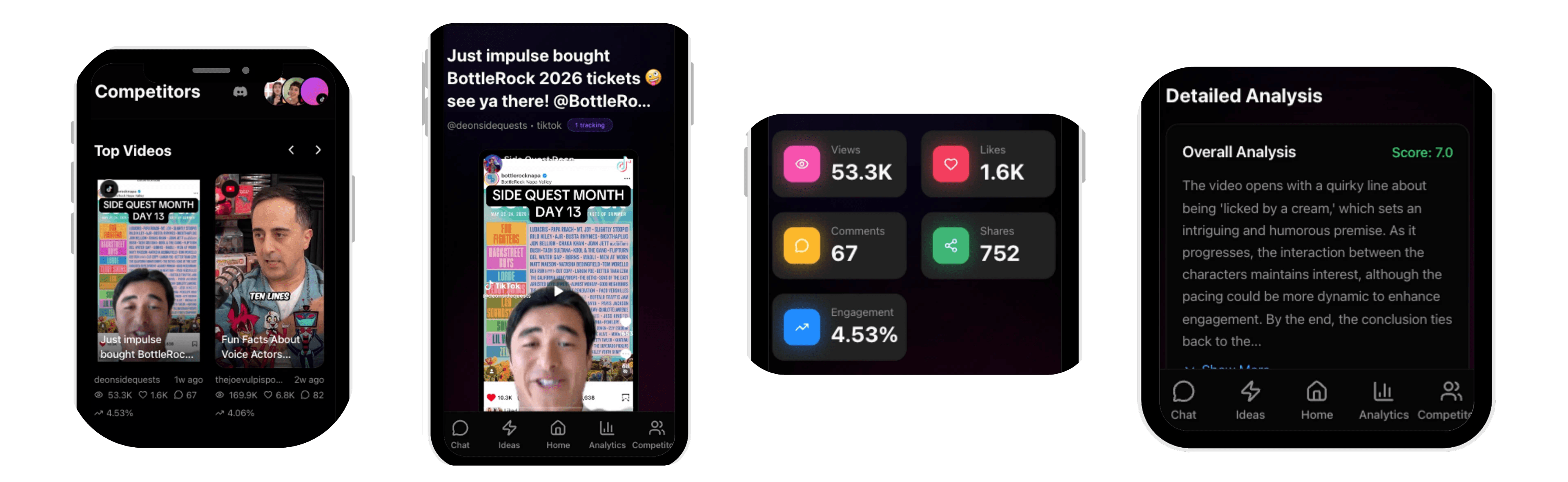
The Competitors Tab allows you to track aspirational accounts across TikTok, YouTube, and Instagram. It surfaces their top-performing videos so you can study what formats, hooks, and structures are working for them.
How to add a competitor
Go to Competitors
Select the platform tab (TikTok, YouTube, or Instagram)
Paste a username or profile link
Click Add

How to use Top Videos
Look for repeating patterns across a competitor's top posts: hook style, pacing, structure, visual format, and call-to-action.
Bring what you learn back into Ideas → Start from your own idea and ask SocialGPT to generate ideas using a similar format.
Best practices
Track 10-20 competitors who are slightly ahead of you (not megastars). Review their Top Videos weekly to spot new trends before they saturate.