Discover how to generate viral content
Generate hooks and video ideas
The Gist: The Ideas feature generates viral hooks and complete filming plans so you can post more, grow quicker, and keep your audience more engaged!
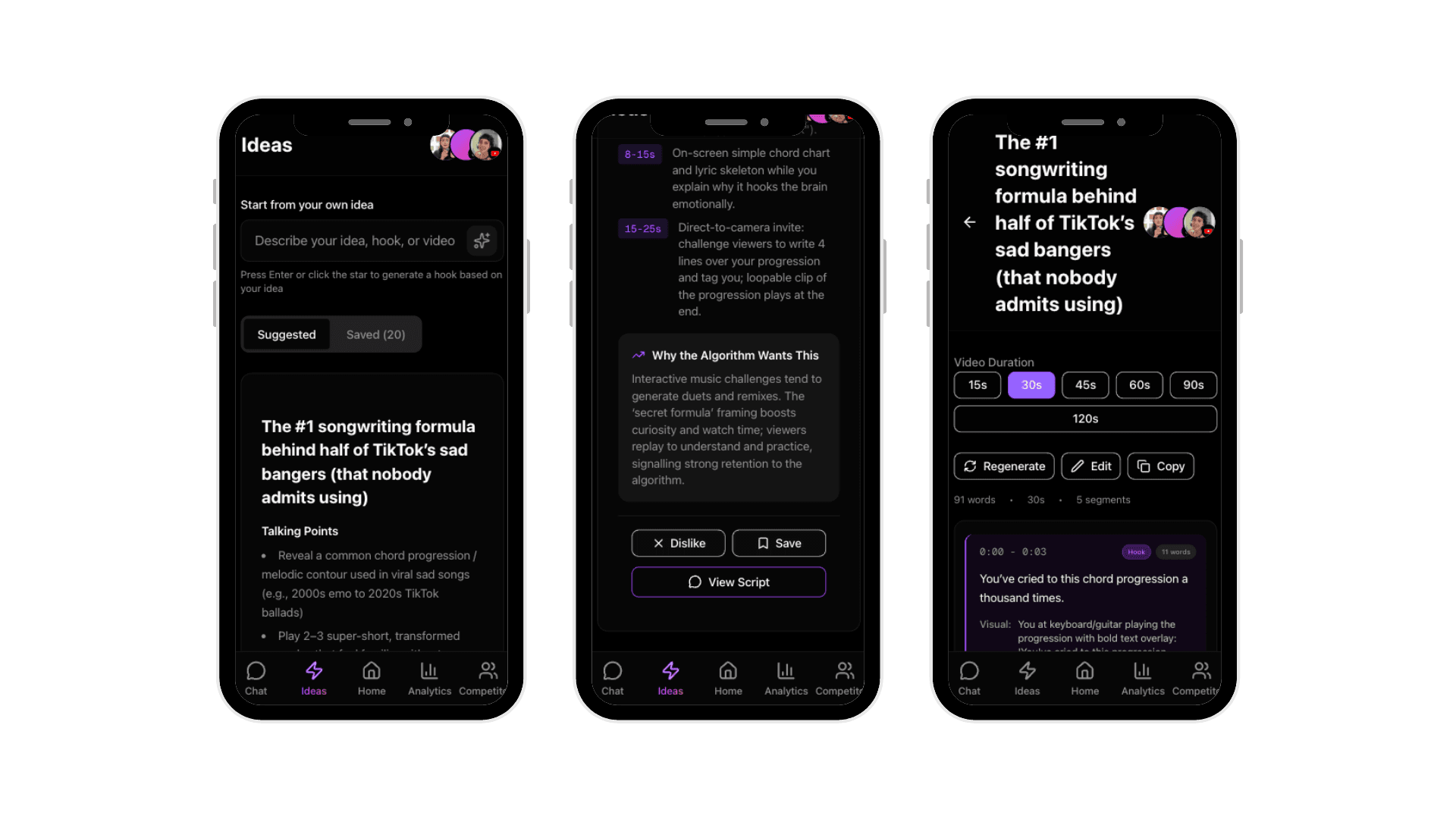
What the Ideas tab does
Ideas gives you everything you need to film a video:
Hook
Talking Points
Shot-list (with suggested timestamps!)
Why the Algorithm Wants This
Suggested and Saved ideas
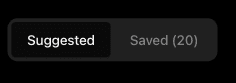
Suggested is your feed of fresh ideas generated based on your niches and connected profiles.
Saved is your backlog of saved ideas you want to film later. (This is elite for batch filming)
Generate ideas from your own topic
Go to the Ideas page
Click Start from your own idea
Type in your topic or rough hook concept
Press Enter or click generate
You'll get a full idea card with hook, talking points, shot-list, and algorithm reasoning.
Understanding the idea card
Each card is a complete filming plan:
Hook: Your first 3 seconds.
Talking Points: The beats to hit. Think of these as your general outline.
Shot-list: Suggested visuals with timing. Helps you plan B-roll or transitions.
Why the Algorithm Wants This: The retention or engagement mechanic at play.

Save, dislike, or generate a script
At the bottom of each card:
Save: Moves the idea to your Saved tab for later
Dislike: Removes it and helps train better recommendations
Generate Script: Turns the idea into a script ready to record

Best practices
Save 10–15 ideas at a time, then batch film 3–5 in one session.