Discover how to generate viral content
TikTok
Why?
Connecting your TikTok account allows SocialGPT to analyze your performance, tailor video ideas to your niche, and power features like Post Coach and Video Analysis.
Good to know
When you connect TikTok, you'll be redirected to TikTok's authorization page. If you're logged into the TikTok app on your phone go ahead and press Use TikTok app. SocialGPT will connect whichever TikTok profile is currently active.
How to connect your TikTok
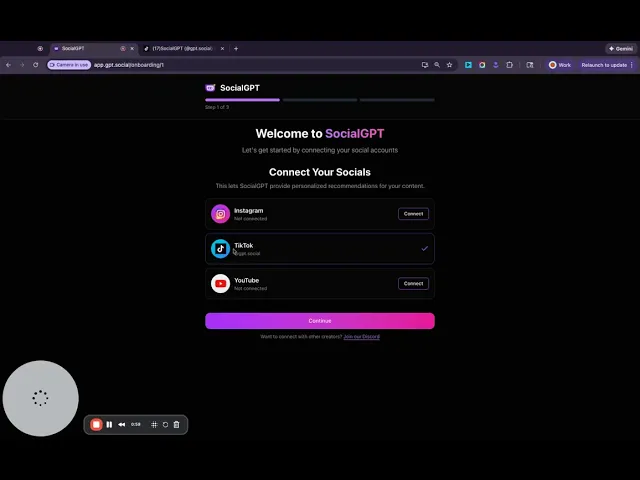
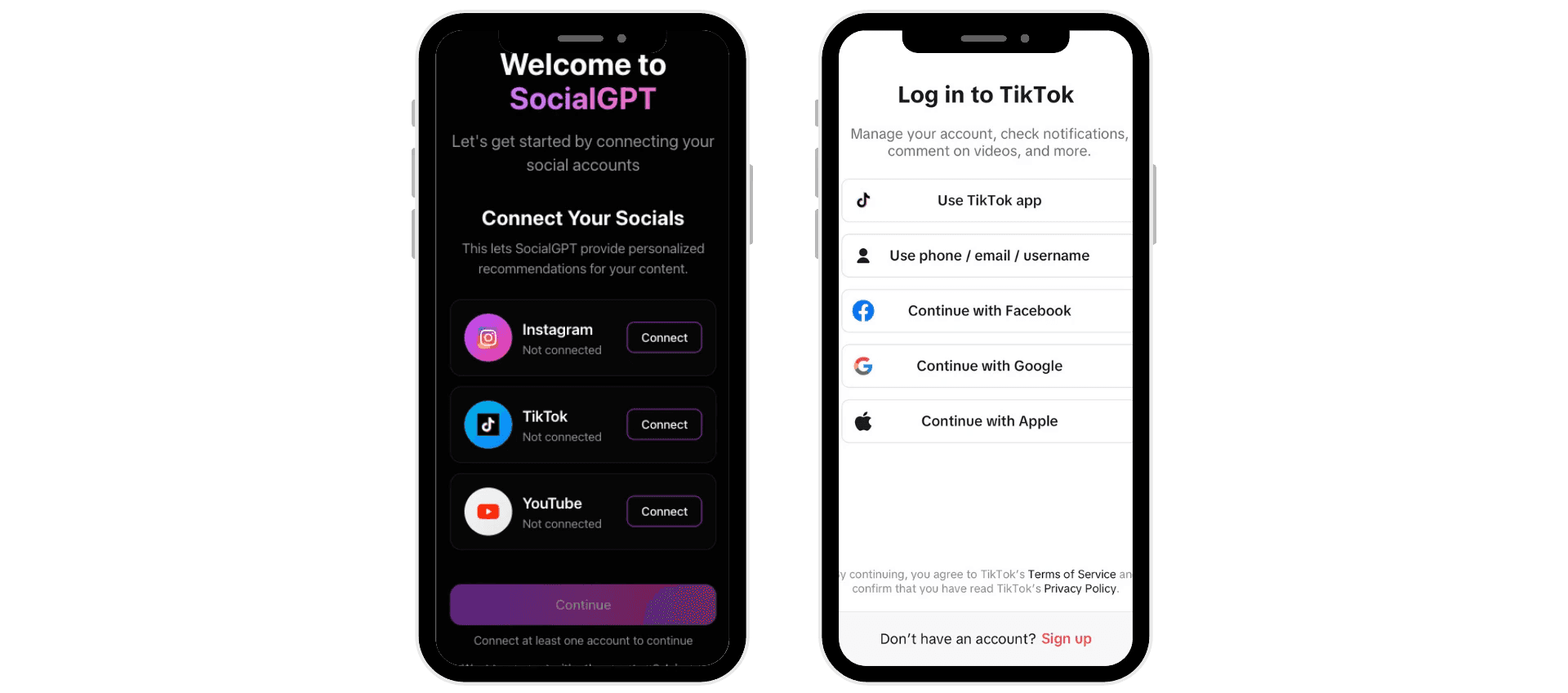
After signing up for SocialGPT you will be prompted to connect at least one account
Tap "Connect" next to TikTok
You'll be redirected to TikTok's authorization page where you can click "Use TikTok app" if you are logged into the TikTok app on your phone.
If you are not logged in to TikTok on your phone, you can sign in to TikTok with your credentials or with Facebook, Google, or Apple
How to connect TikTok after onboarding
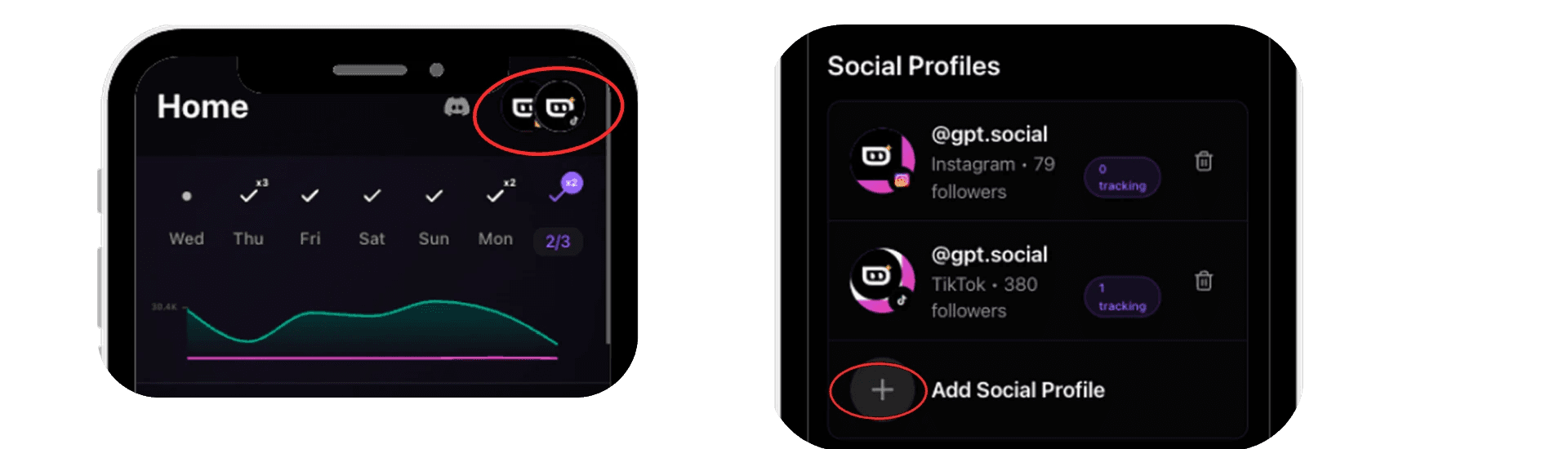
Click your profile avatar in the top-right corner and select Account
Navigate to Social Profiles
Click Add Social Profile
Select TikTok
You'll be redirected to TikTok's authorization page where you can click "Use TikTok app" if you are logged into the TikTok app on your phone.
If you are not logged in to TikTok on your phone, you can sign in to TikTok with your credentials or with Facebook, Google, or Apple
What's next?
SocialGPT will analyze your TikTok account data to tailor content ideas, hooks and scripts to your audience and niche. Check out the Ideas tab to get started!
Watch a tutorial
Still having trouble? Check out our video tutorial!